- BRAINTRAIN |
- Trainers |
- Attention Training |
- Honeycomb
-
Trainer categories:
- Focus and concentration
- Visual comparison
- Search speed
1208 KS: 42
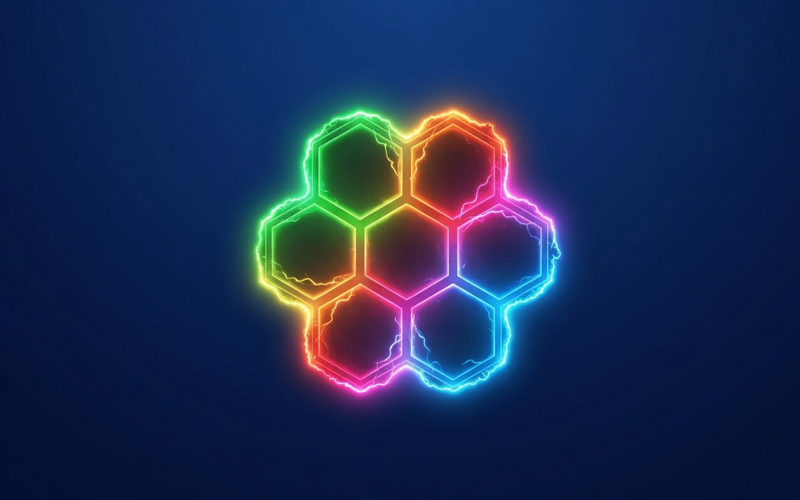
«Honeycomb» on Mozgotren.com is an attention trainer set in a neon hive: a reference cell pulses at the top — a hexagon whose six edges each glow in their own color. Below, the cells are packed into a hive — hexagons abut one another and share common edges; find the one whose edges match the reference and click it.
Idea: one hexagon among many
Each cell is a hexagon outline of six colored edges, and neighboring cells share a common edge — just like a real honeycomb. That makes the cells look alike, so the right one must be hunted across the whole pattern of edges while you hold the sample in mind. A dark canvas, neon glow and a scanning line set a brain-hive mood.
Gameplay
Every round draws a fresh set of cells. Compare their edges with the reference on top and tap the matching one. A correct pick flashes green, a mistake — red, and the correct cell lights up so you can learn it. The field refreshes after each answer.
Difficulty progression
Level 1: 3 cells — the sample is easy to spot. Each next level adds 2 more cells, so holding the reference in focus gets harder: at the top level 18 the field already holds 37 hexagons. Edges use a base palette of 3 colors — turn on «More colors» to widen the palette as the level grows. A correct answer raises the level, a mistake lowers it.
Trainer options
Flip — the reference cell is shown upside down: flip it in your mind to find the match. Each edge — by default edges come in pairs (two adjacent share a color); turn it on and every edge gets its own color (all six distinct). More colors — the edge palette is widened right from the start.
What it trains
Focus — you hold the sample and keep on track while scanning. Visual comparison — similar hexagons differ in fine details. Search speed — the faster you find a cell, the more rounds you fit into a game.
Scoring
Your total + DC × Level for a correct answer; − (DC × Level) / 2 for a mistake. DC is the difficulty coefficient — it depends on the chosen options and is shown in the trainer UI. The total never goes negative.